Map
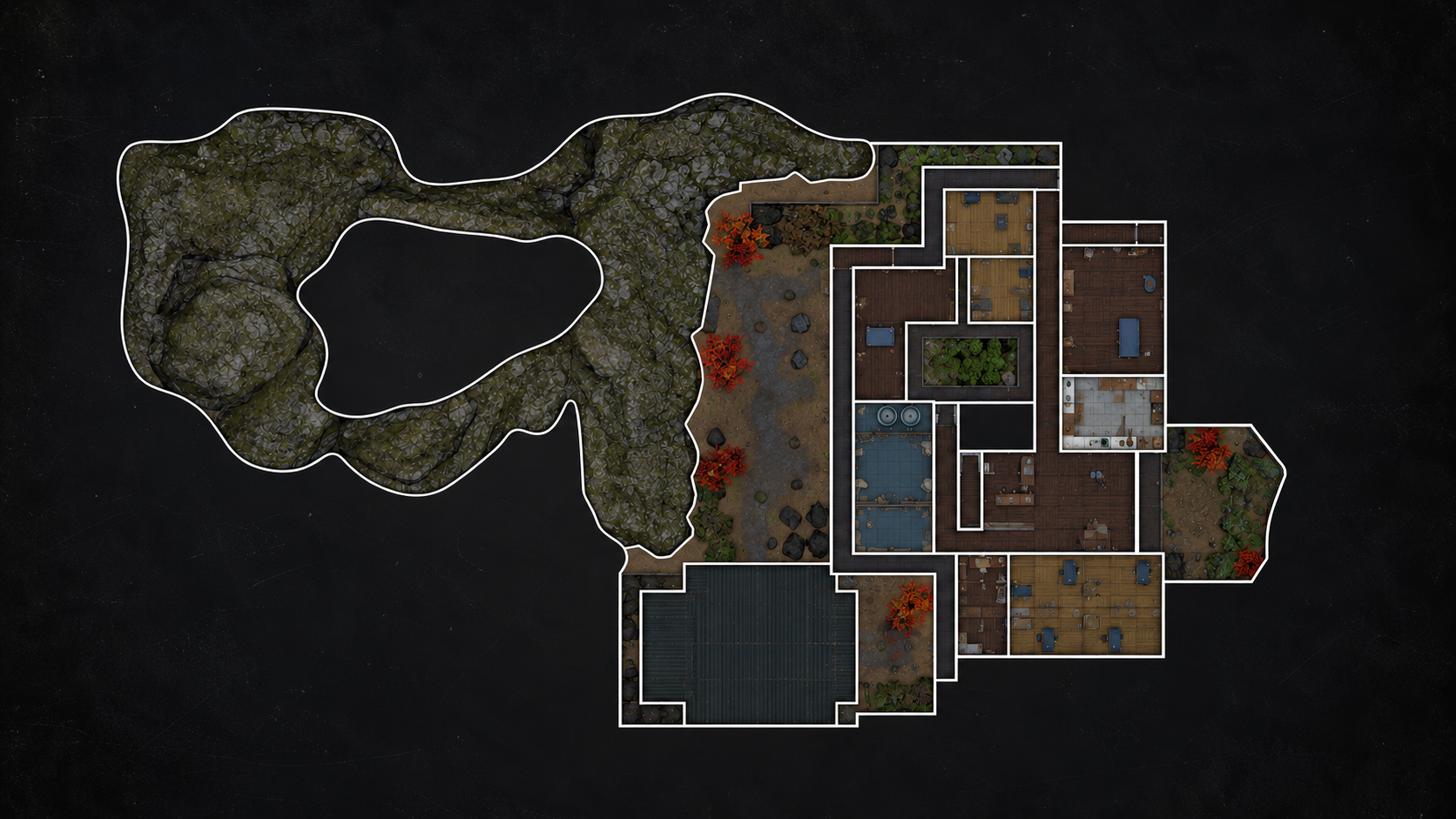
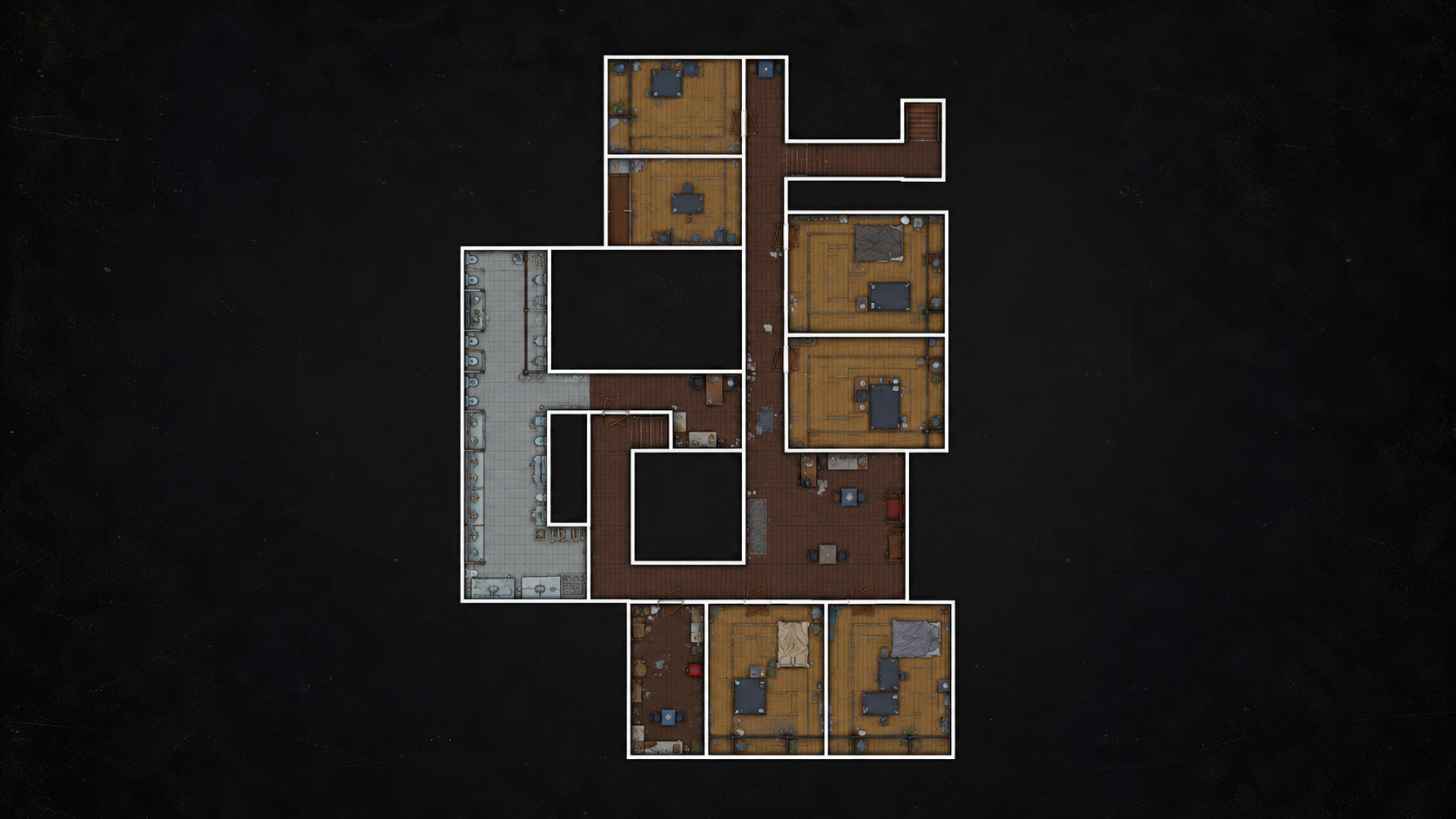
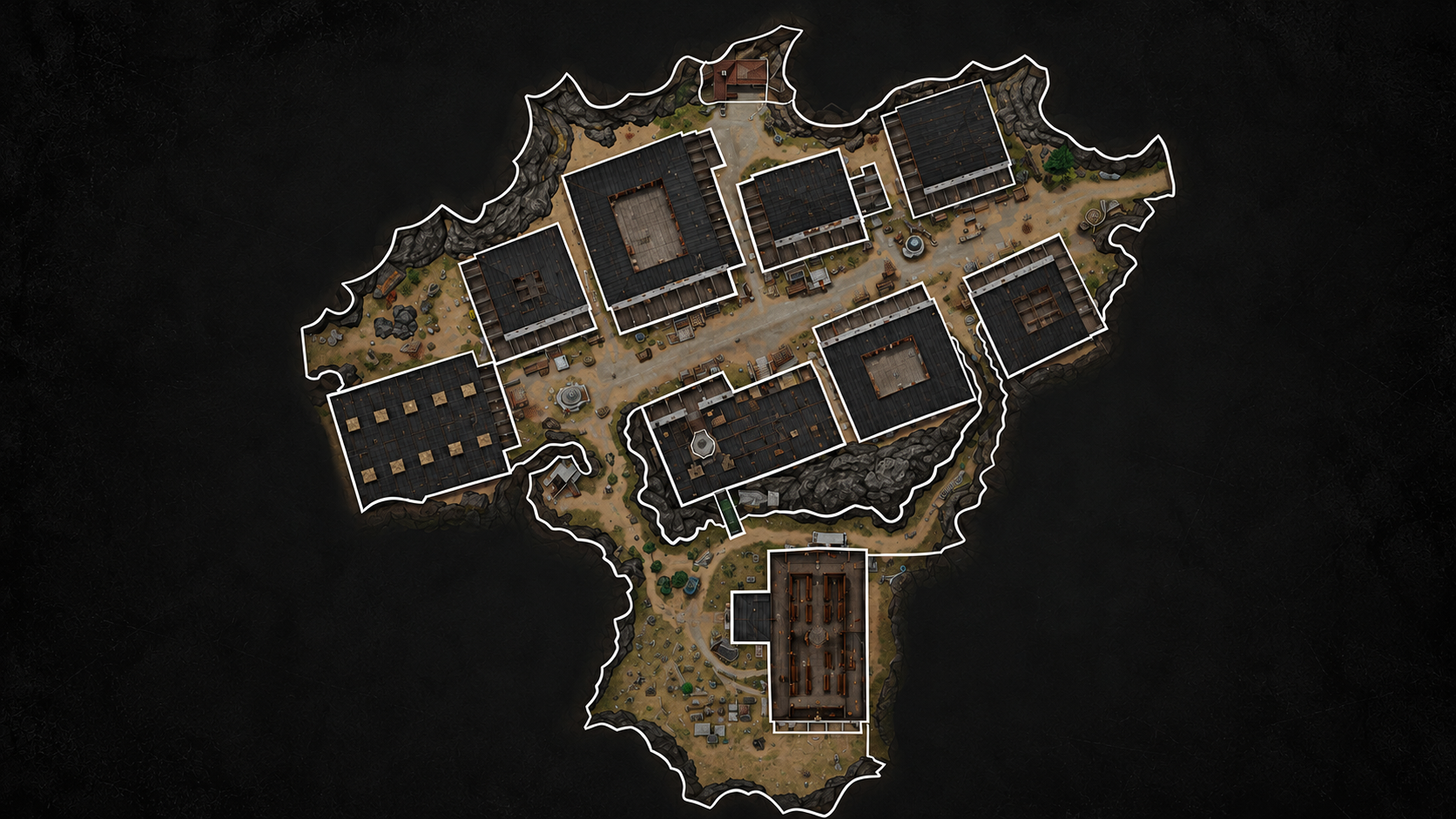
Click an altar symbol to jump to its egg card. Hover over a map for a magnified view.


What did you find?
Pick the symbol you found, mark the room empty, or skip it and come back later.
Track each book from its building to the church.

Choose a building on the map to edit its ritual steps below.
Choose a book symbol, then mark the steps your team has completed.
Click an altar symbol to jump to its egg card. Hover over a map for a magnified view.


Pick the symbol you found, mark the room empty, or skip it and come back later.
Choose The Inn or The Town. Each map has its own independent tracker.
Share one live tracker with your team. Every change shows who made it.
Play together on one live tracker.
Public: anyone can see and join your lobby.
๐ Protected rooms ask for a password when you join.
No team changes yet.
Use the room list and map together so your team does not need to remember every altar location.
๐ด Red ritual symbol = altar found, egg not cleaned/burned yet.
๐ก Yellow ritual symbol = matching egg has been cleaned.
๐ข Green ritual symbol = matching egg has been burned.
๐ต Blue lines = doors. ๐ข Green lines = gaps/open passages.
๐ Stairs 1 / 2 connect matching floor transitions.
โ Green check = checked location with no ritual altar.
You can turn Altars, Doors, Stairs & Gaps, Nothing, Cleaned Egg, and Burned Egg markers on or off above the maps.
Tip: click a ritual symbol on the map to jump to its egg card, or click an egg card to locate its altar.